
Loading…
Loading…
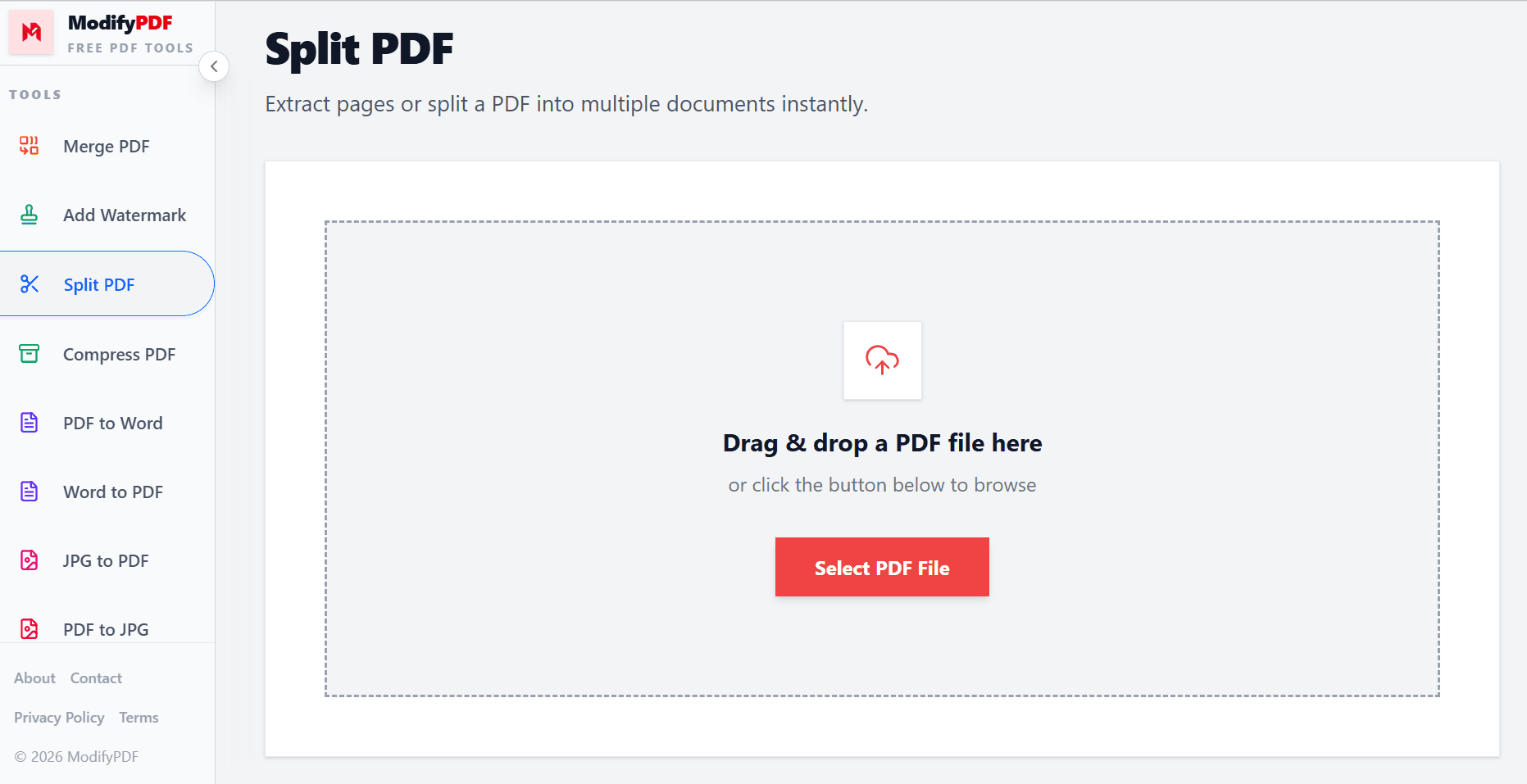
Extract pages or split a PDF into multiple documents instantly.
Drag & drop a PDF file here
or click the button below to browse
Online PDF splitter
Extract selected pages, break every page into its own PDF, or split long documents by custom page ranges. Everything happens in your browser with a clean visual interface.
Extract chosen pages, split every page separately, or split by custom page ranges.
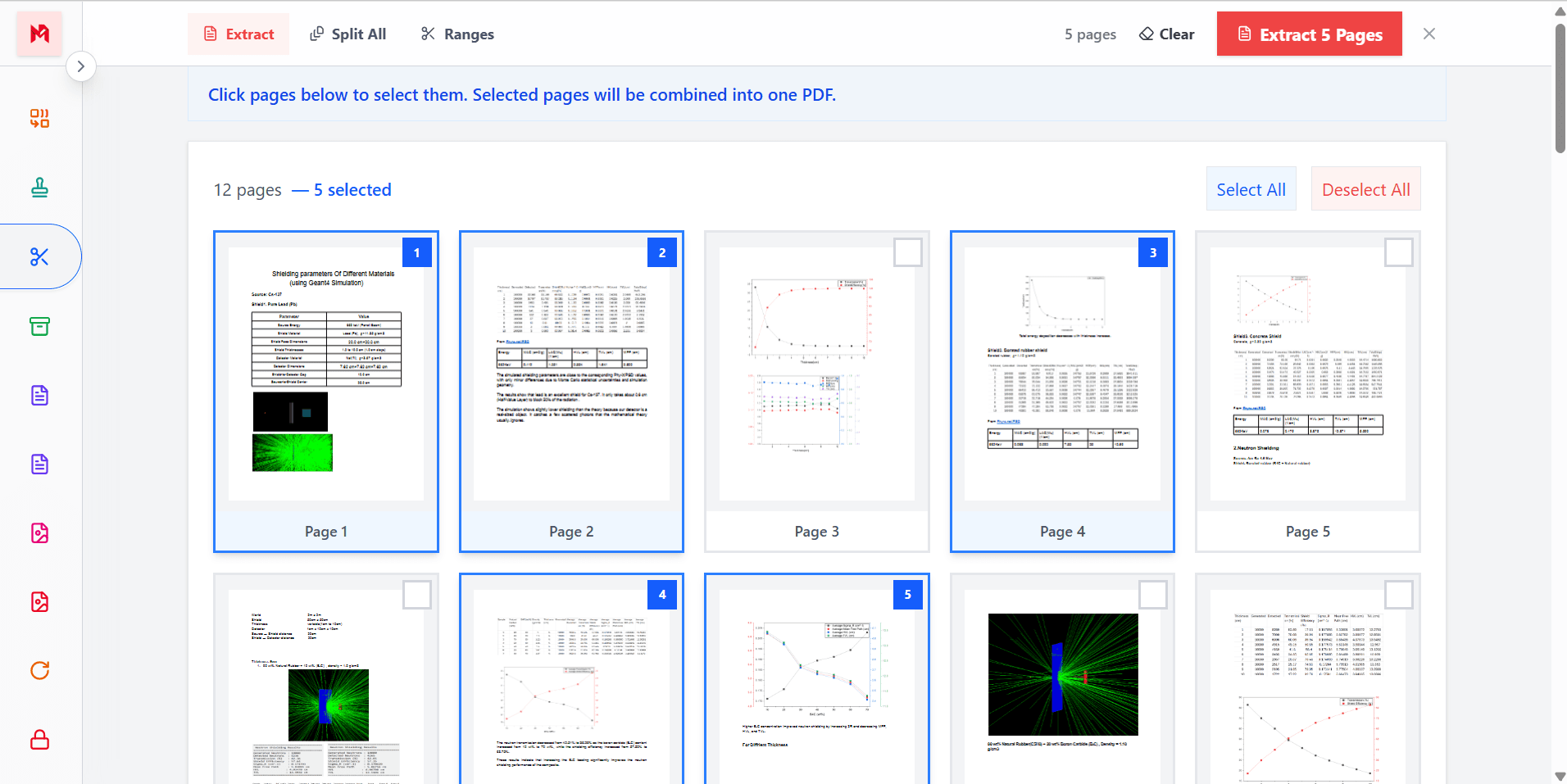
See every page as a thumbnail and click the exact pages you want to keep.
Download one extracted PDF or a ZIP with multiple split files, ready to share.
Free online PDF splitter
ModifyPDF makes it simple to split PDF files online. Upload a document and instantly see every page as a thumbnail, ready to be selected, extracted, or divided into multiple files.
This is useful when you need only a few pages from a long document or when a large PDF must be broken into smaller, more manageable files.
Extract only the pages you need
Sometimes you only need a small portion of a long PDF. With Extract mode you can click any pages, in any order, and combine them into one clean output file.
This is perfect for pulling out invoices, forms, key sections of a report, or specific pages from a scan without touching the rest of the document.
Split by custom page ranges
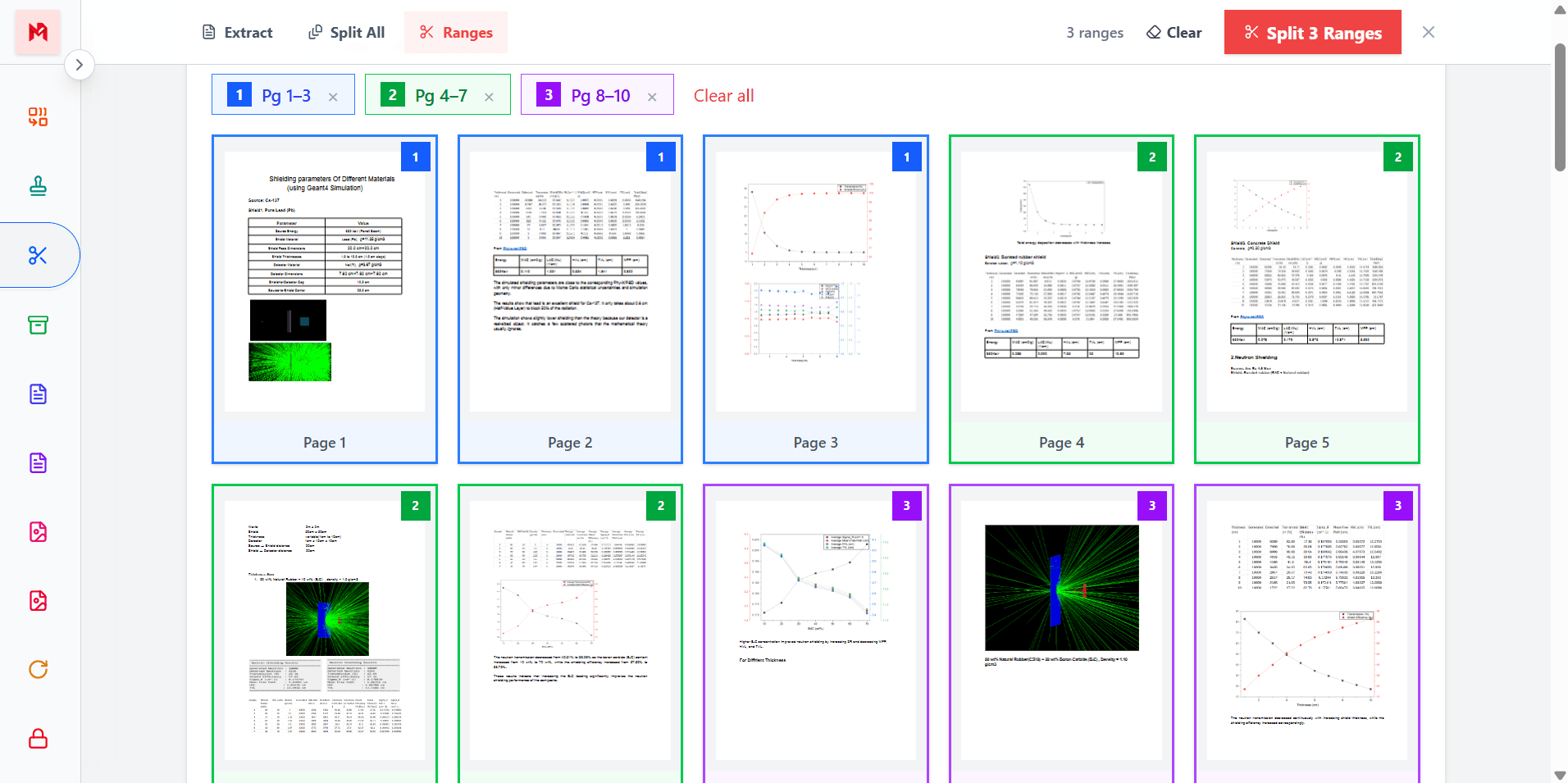
Ranges mode is designed for larger documents like books, manuals, and long reports. You can define multiple page ranges and each range becomes its own separate PDF file.
This is a fast way to break a big document into logical parts, such as chapters, sections, or topics, without doing it manually one file at a time.
Split every page automatically
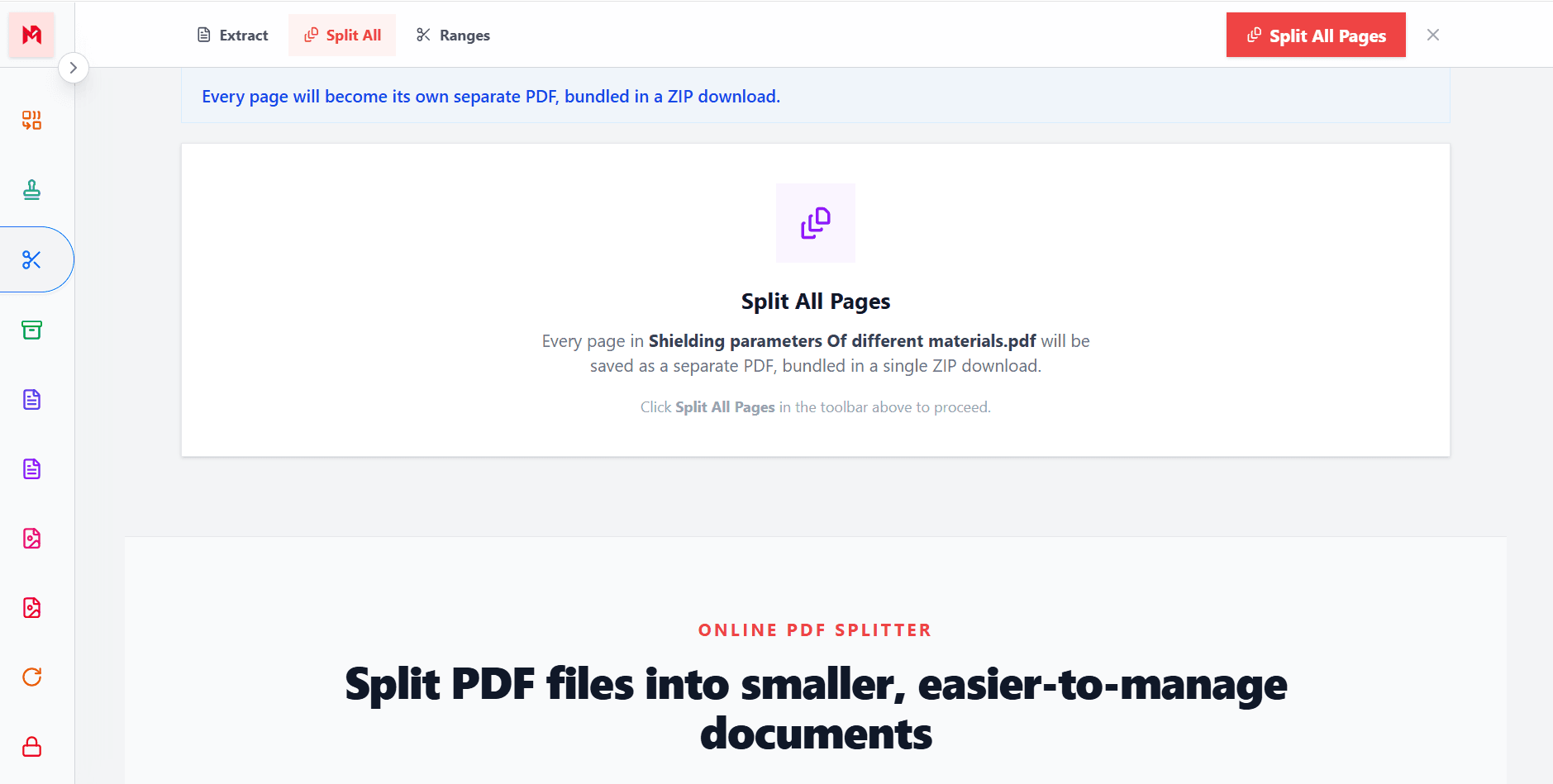
Split All mode automatically converts every page in the document into its own individual PDF. This is useful for archiving page by page, scanning workflows, or preparing single-page documents for upload.
The output is packaged as a ZIP file so you can download all the pages in one click and organize them wherever you want.
Popular use cases
Split books and long documents into chapter files
Extract clauses, annexures, or signed pages
Pull specific pages for individual submissions
Break large PDFs into smaller archive files
Questions and answers
Upload your PDF, choose a split mode, pick pages or define ranges, and download the resulting file or ZIP archive with the split PDFs.
You can extract selected pages into one PDF, split every page into its own PDF, or split the document by custom page ranges.
Yes. In Extract mode you can click any pages in any order. Only the selected pages will be included in the final PDF.
In Ranges mode you define one or more page ranges. Each range becomes its own separate PDF file, and all output files are bundled in a ZIP.
No. Pages are copied without re-encoding, so text, images, and formatting stay exactly the same as the original document.
Yes. The tool is designed to work in modern mobile browsers as well as on desktop.