
Loading…
Loading…
Convert JPG and PNG images into a PDF document instantly.
Drag & drop images here
Supports JPG, JPEG, and PNG
Free JPG and PNG to PDF converter
Turn JPG, JPEG, and PNG images into one clean PDF. Reorder, rotate, choose page size, and download — all in your browser.
Combine unlimited JPG or PNG images into one clean, organized PDF file.
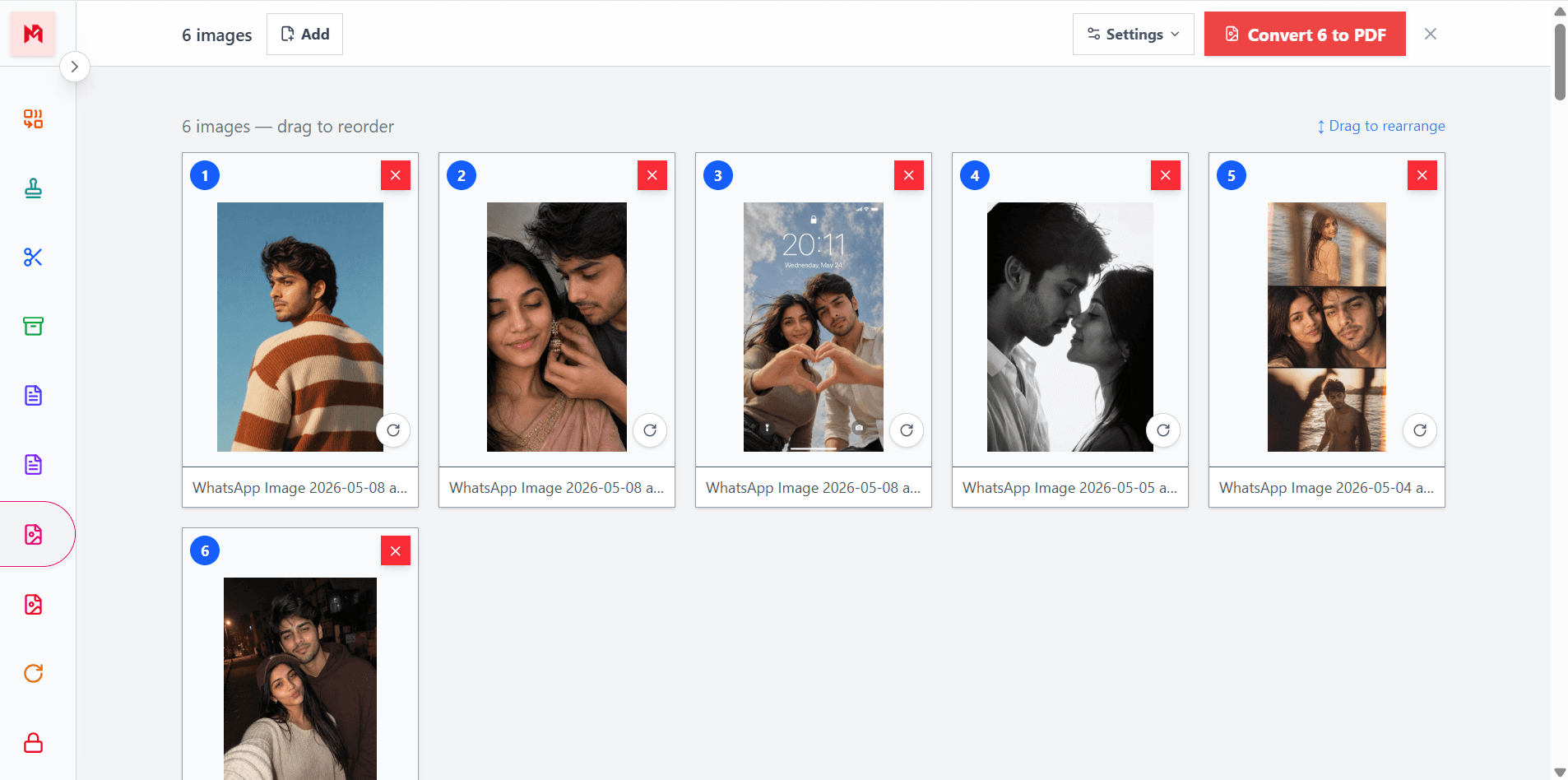
Drag pages into any order and rotate images before creating the PDF.
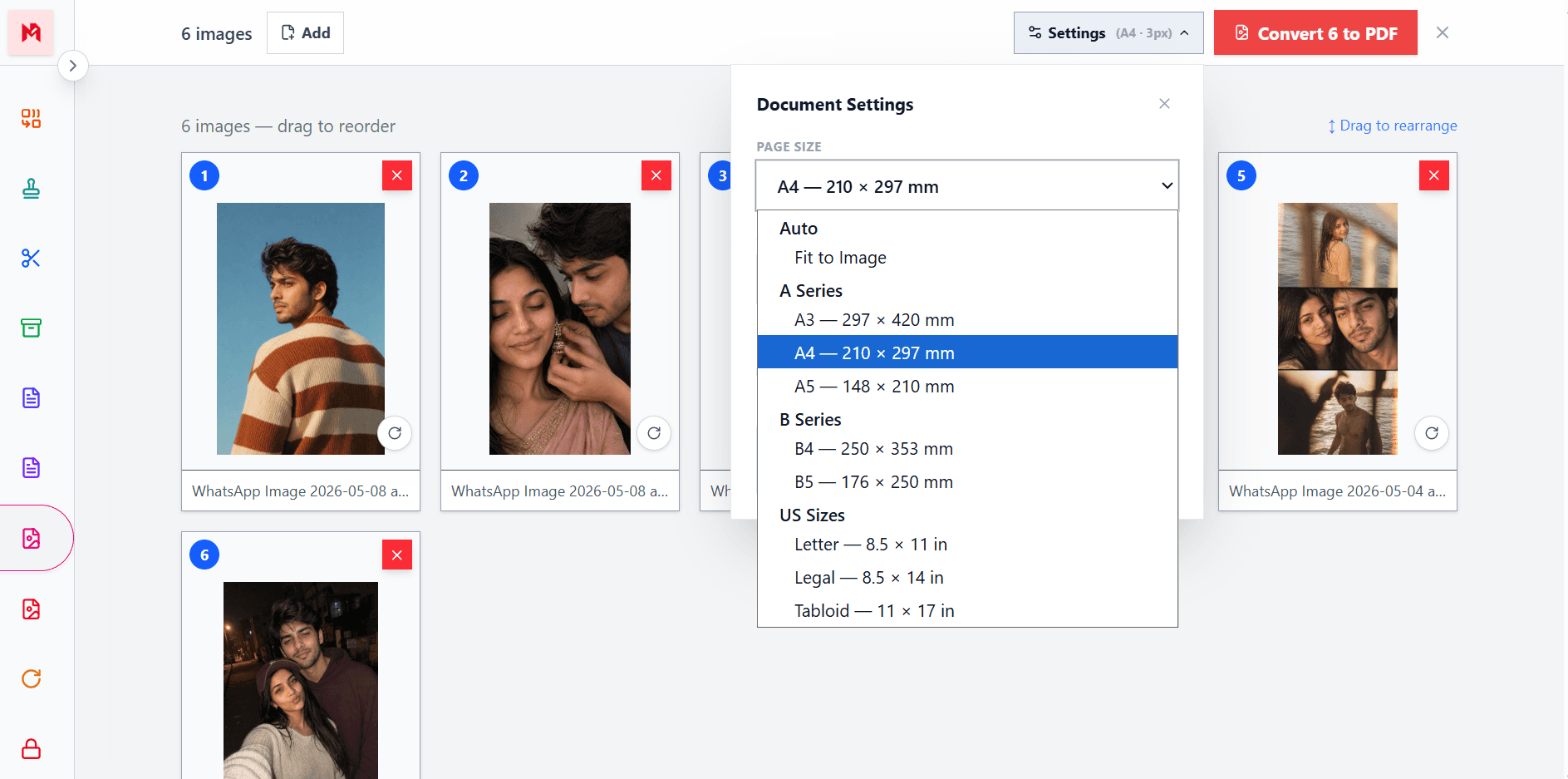
Choose A4, Letter, custom sizes, and margins — or fit the PDF to your images.
Drag and drop JPG or PNG files, or browse from your device.
Drag to reorder, rotate images, and choose page size.
Convert and download your merged PDF instantly.
Free online image to PDF converter
ModifyPDF makes it easy to convert images into a PDF document. Upload JPG, JPEG, or PNG files and combine them into one clean PDF that is easier to share, print, and store.
This is useful for scanned documents, ID cards, receipts, photos, screenshots, and study material. Instead of sending several images, you send one professional PDF that opens the same on any device.
Reorder, rotate, and fine-tune
Order matters in a document. With drag-and-drop sorting, you can move images into any position before creating the PDF. Each image can be rotated individually to correct scans or photos taken at odd angles.
This gives you the same control you would expect from a desktop tool, without installing anything.
Custom page sizes and margins
Every document has different requirements. A CV or report might need standard A4, an assignment might need Letter, and a photo album might look best when the PDF fits the image exactly.
You can pick from A3, A4, A5, B4, B5, Letter, Legal, Tabloid, or Fit-to-Image. Add margins if you want white space around your images, or remove them for a clean edge-to-edge look.
Private and secure
Images often contain private information — ID cards, invoices, contracts, medical documents, or personal photos. ModifyPDF processes your files securely and deletes them immediately after conversion.
No account is required, no data is stored, and no watermark is added. Just upload, convert, and download.
Popular use cases
Combine passport, license, or ID card scans into one PDF
Bundle receipts, bills, and invoices as a single record
Convert scanned pages into one submission-ready PDF
Turn image sets into a shareable PDF album
No installation. No app download. The JPG to PDF tool works smoothly in modern browsers on Windows, Mac, iPhone, and Android.
Questions and answers
ModifyPDF supports JPG, JPEG, and PNG images. You can mix different formats in a single conversion.
Yes. Upload as many images as you need. Each image becomes one page, and you can drag them into any order before converting.
No. Images are embedded at their original resolution, so image quality is fully preserved in the final PDF.
You can convert up to 50 images at once. For larger batches, run multiple conversions.
Yes. Each image card has a rotate button so you can rotate individual images 90 degrees at a time before converting.
Yes. Files are processed securely and deleted immediately after conversion. Your images are never stored or shared.