
Loading…
Loading…
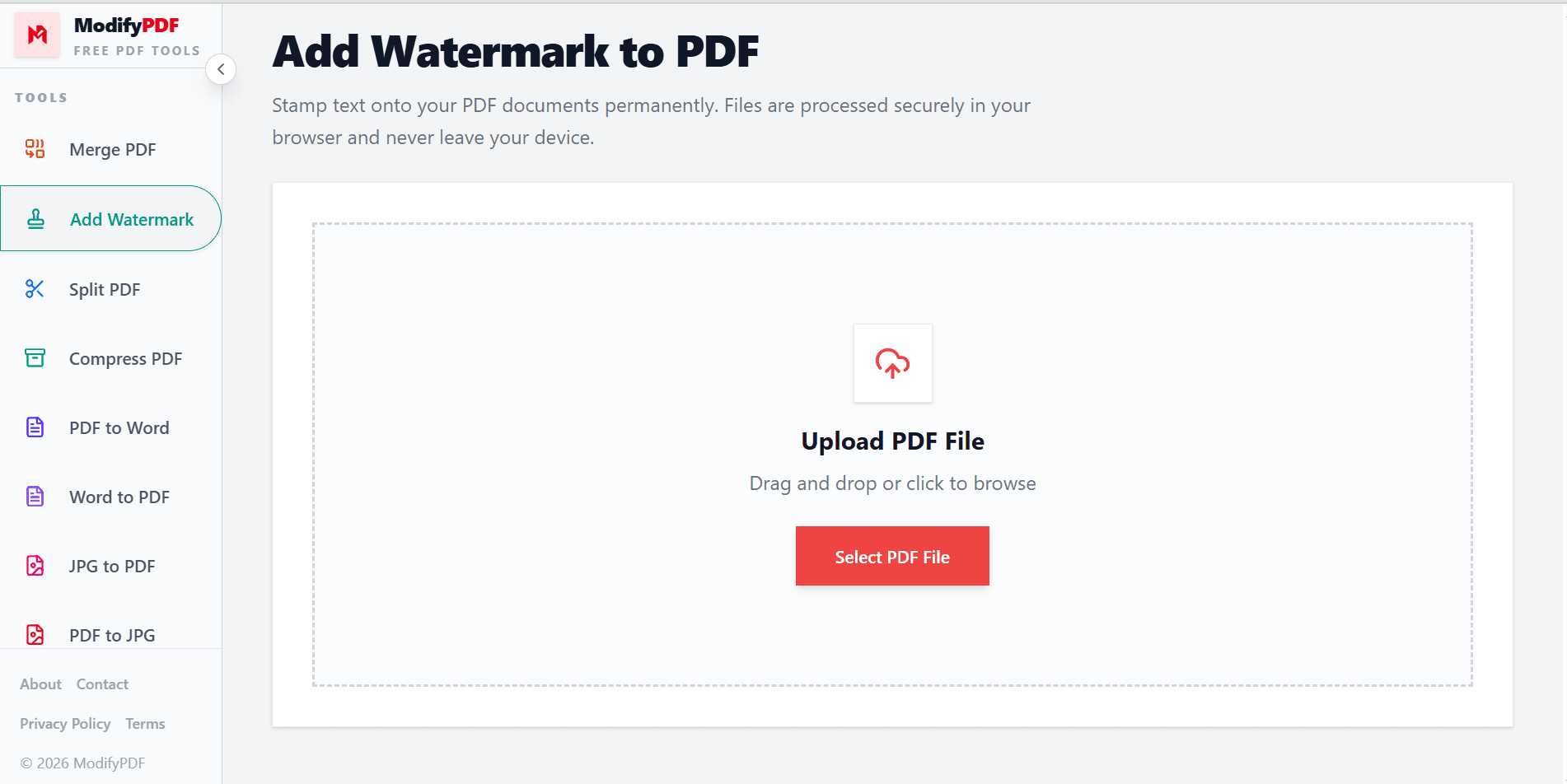
Stamp text onto your PDF documents permanently. Files are processed securely in your browser and never leave your device.
Drag and drop or click to browse
Free online PDF watermark tool
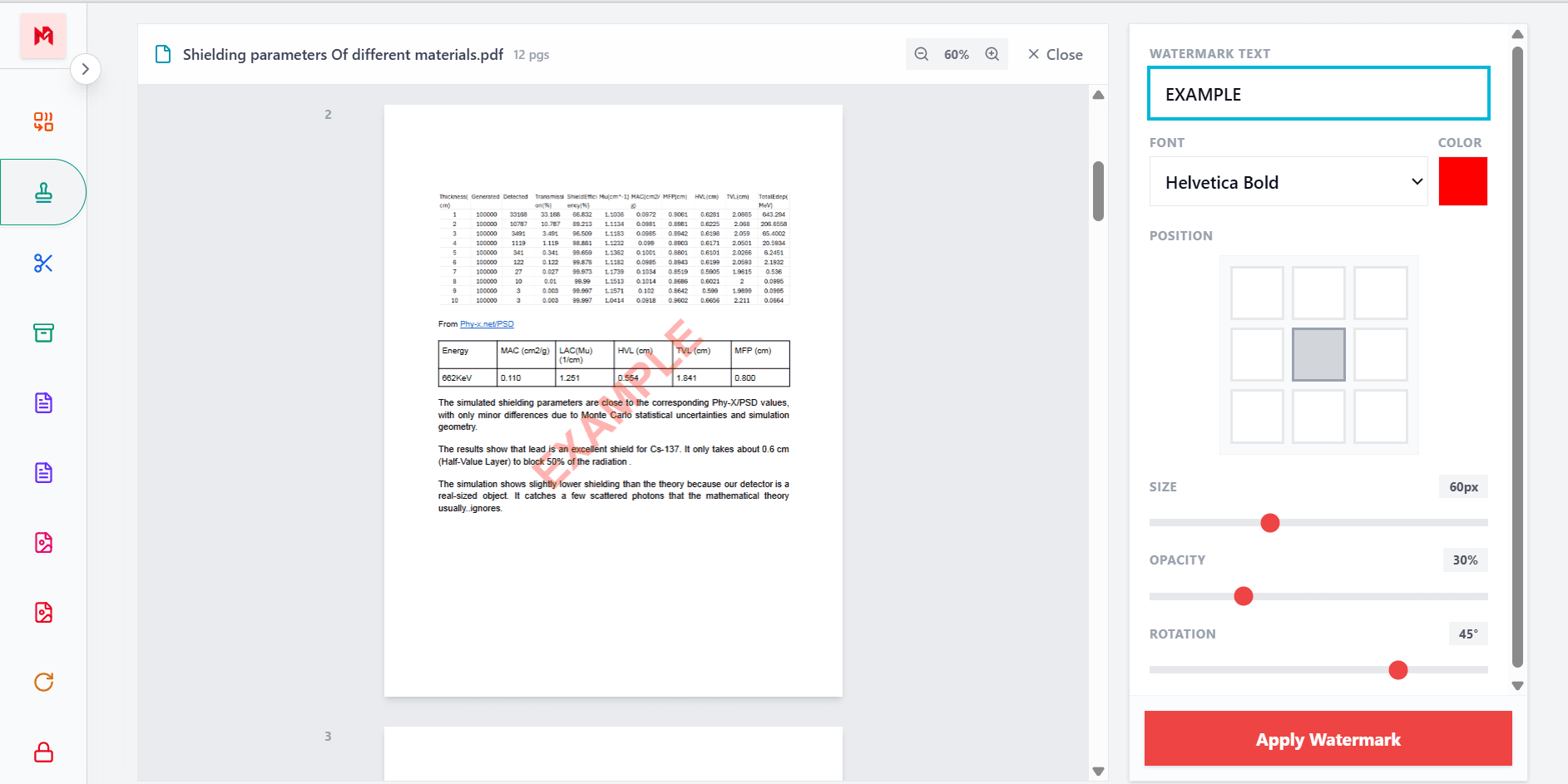
Add text watermarks to PDF documents for copyright protection, branding, confidentiality, document status, and more. Customize the watermark and preview it before downloading.
Your PDF is processed directly in your browser instead of being uploaded to a remote server.
Choose the watermark text, font, color, size, opacity, rotation, and position.
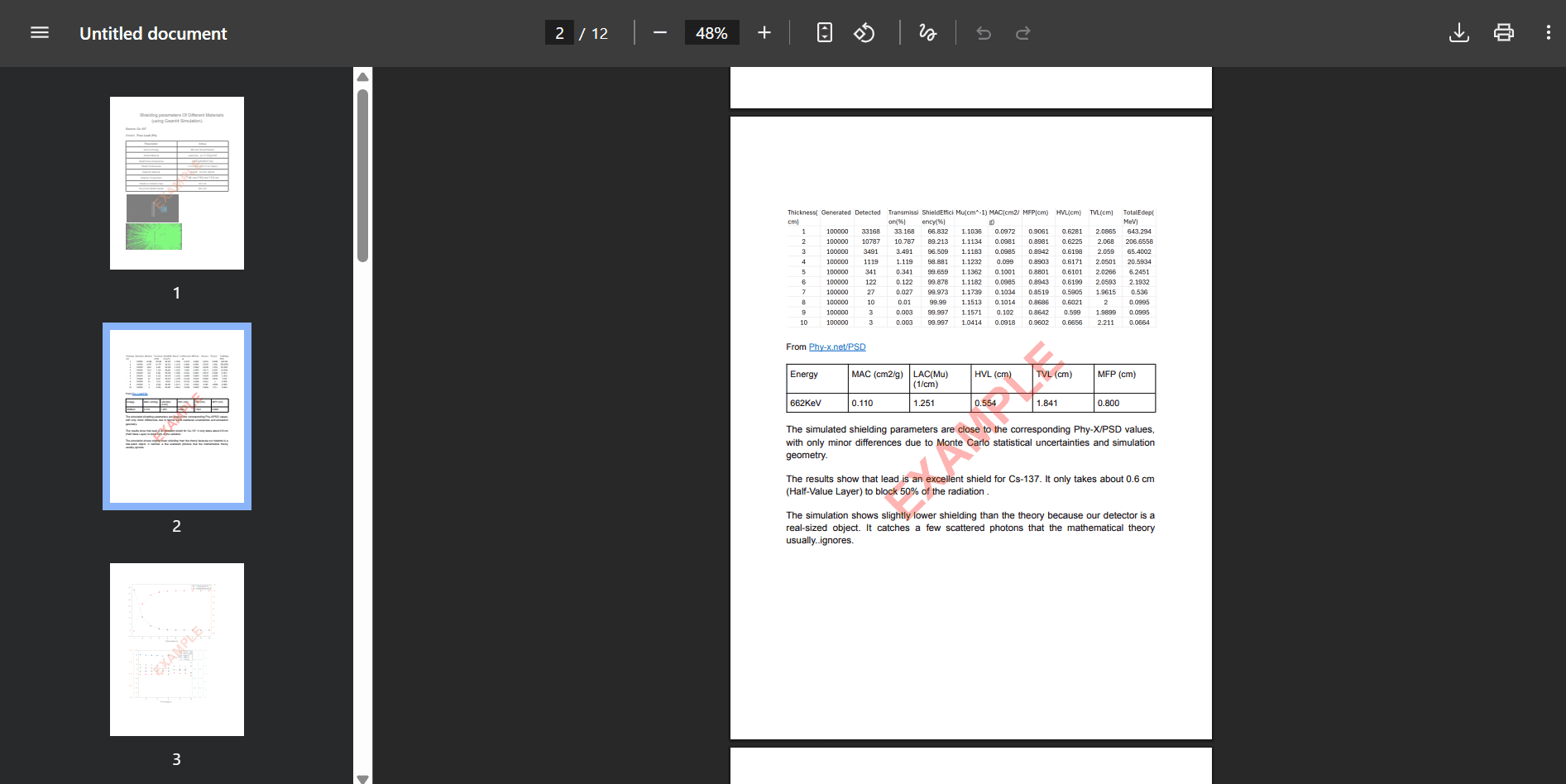
Preview your watermark on every page before downloading the finished PDF.
Simple PDF editing
Adding a watermark to a PDF does not require expensive software or a complicated installation. Upload your document and create a professional text watermark directly in your browser.
You can preview the watermark before downloading the final document, making it easy to prepare PDFs for sharing, printing, or online distribution.
Customize your watermark
Every document has different requirements. A subtle watermark may be ideal for business documents, while a large diagonal watermark can help protect presentations, artwork, or preview files.
ModifyPDF gives you the controls needed to create a watermark that matches your document and remains easy to read.
Protect and organize documents
A watermark can help identify who created a document, show how it should be used, or communicate its current status. Watermarks are useful for individuals, businesses, educators, and creative professionals.
Add your name, company, website, or a status label such as DRAFT, CONFIDENTIAL, SAMPLE, or FINAL.
Private browser-based processing
Your PDF may contain contracts, reports, invoices, or personal information. The watermarking process runs in your browser, so your original file does not need to be sent to a server.
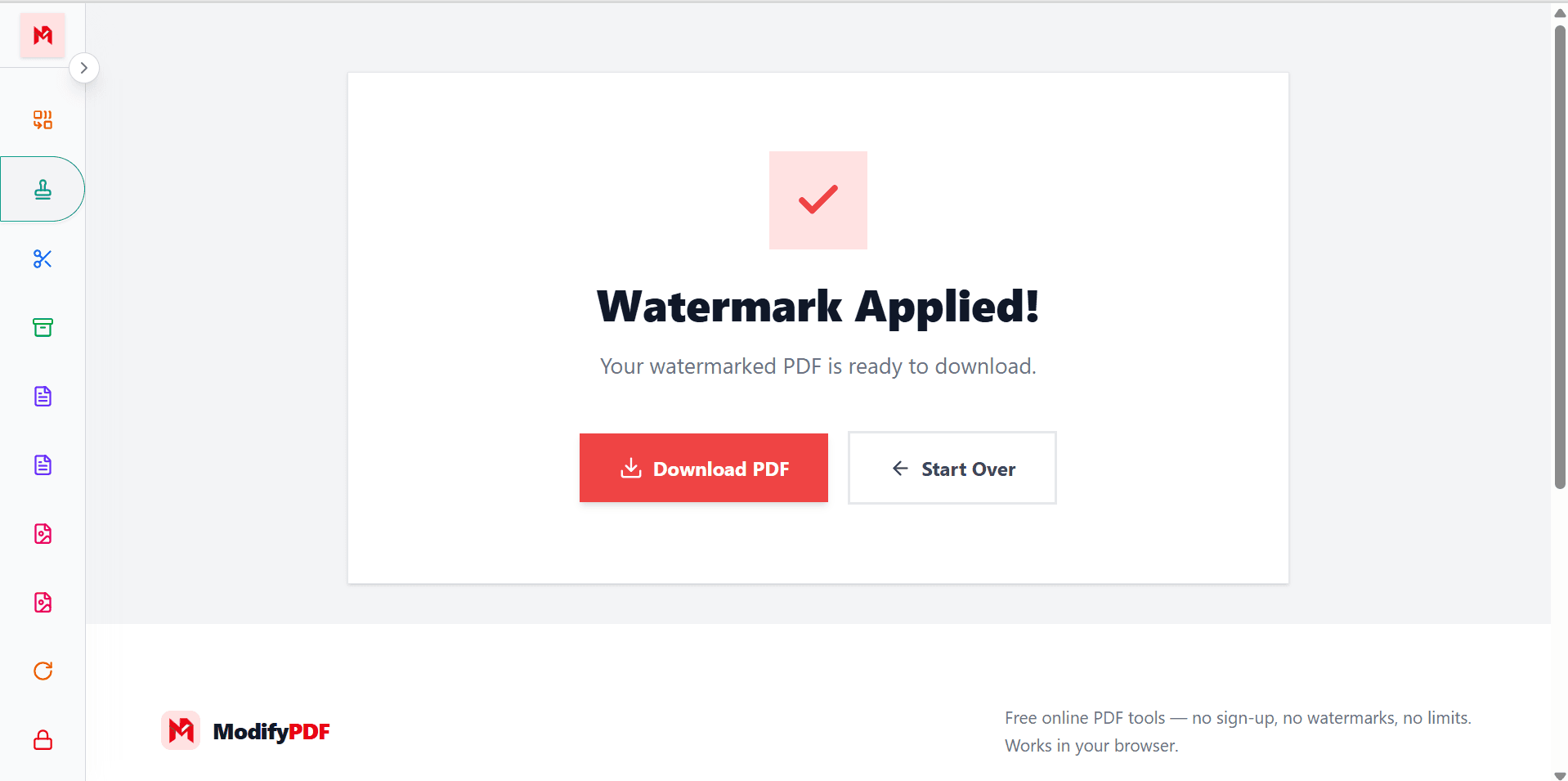
There is no account creation or complicated setup. Open the tool, select your PDF, add the watermark, and download the result.
Questions and answers