
Loading…
Loading…
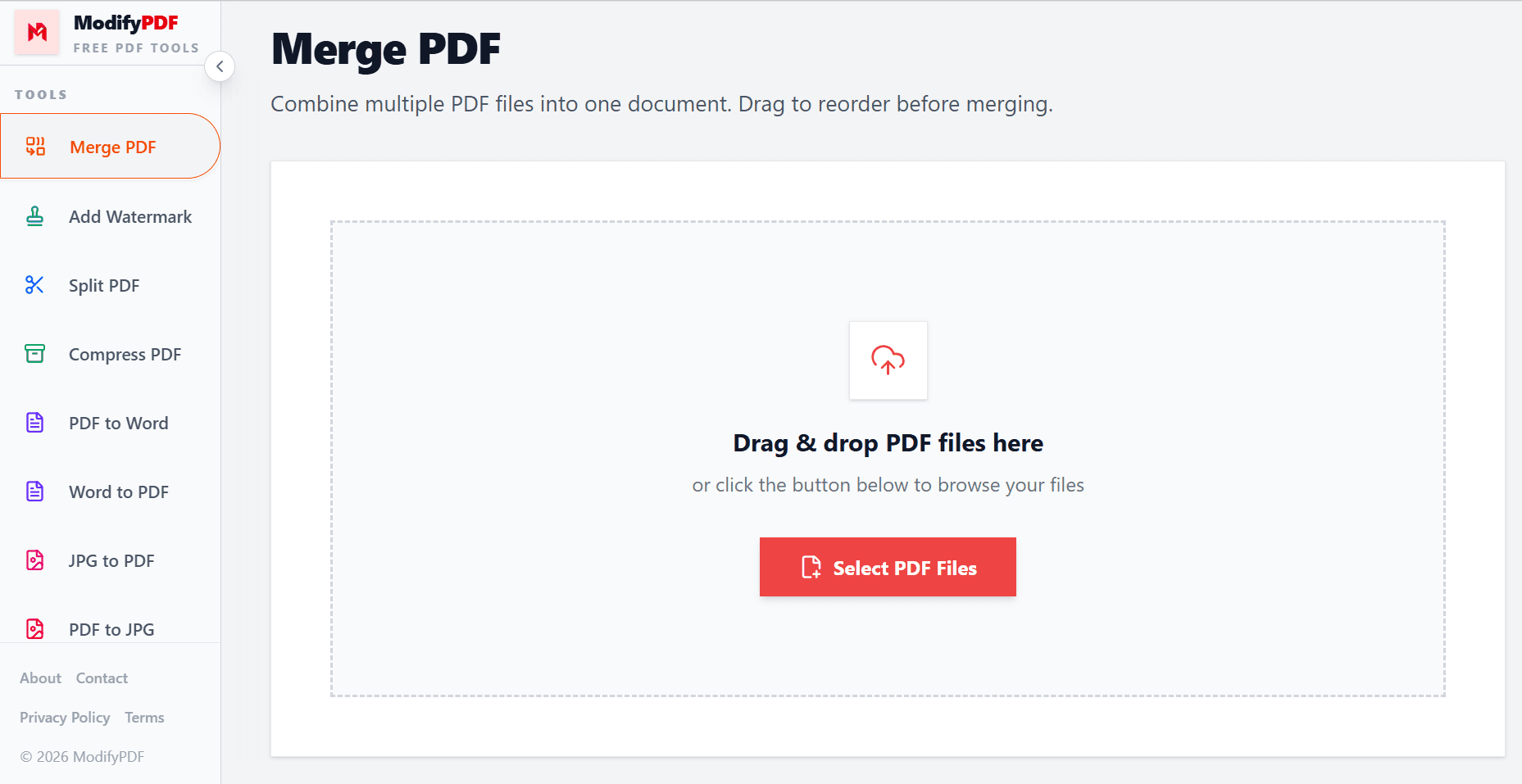
Combine multiple PDF files into one document. Drag to reorder before merging.
Drag & drop PDF files here
or click the button below to browse your files
Online PDF merger
Combine multiple PDF files online for work, school, and everyday use. Arrange files in the right order, merge them in seconds, and download one final PDF that is easier to share and manage.
Merge PDF files online with a clean workflow designed for speed, privacy, and ease of use.
Upload your files, arrange them, and combine them into a single PDF in just a few clicks.
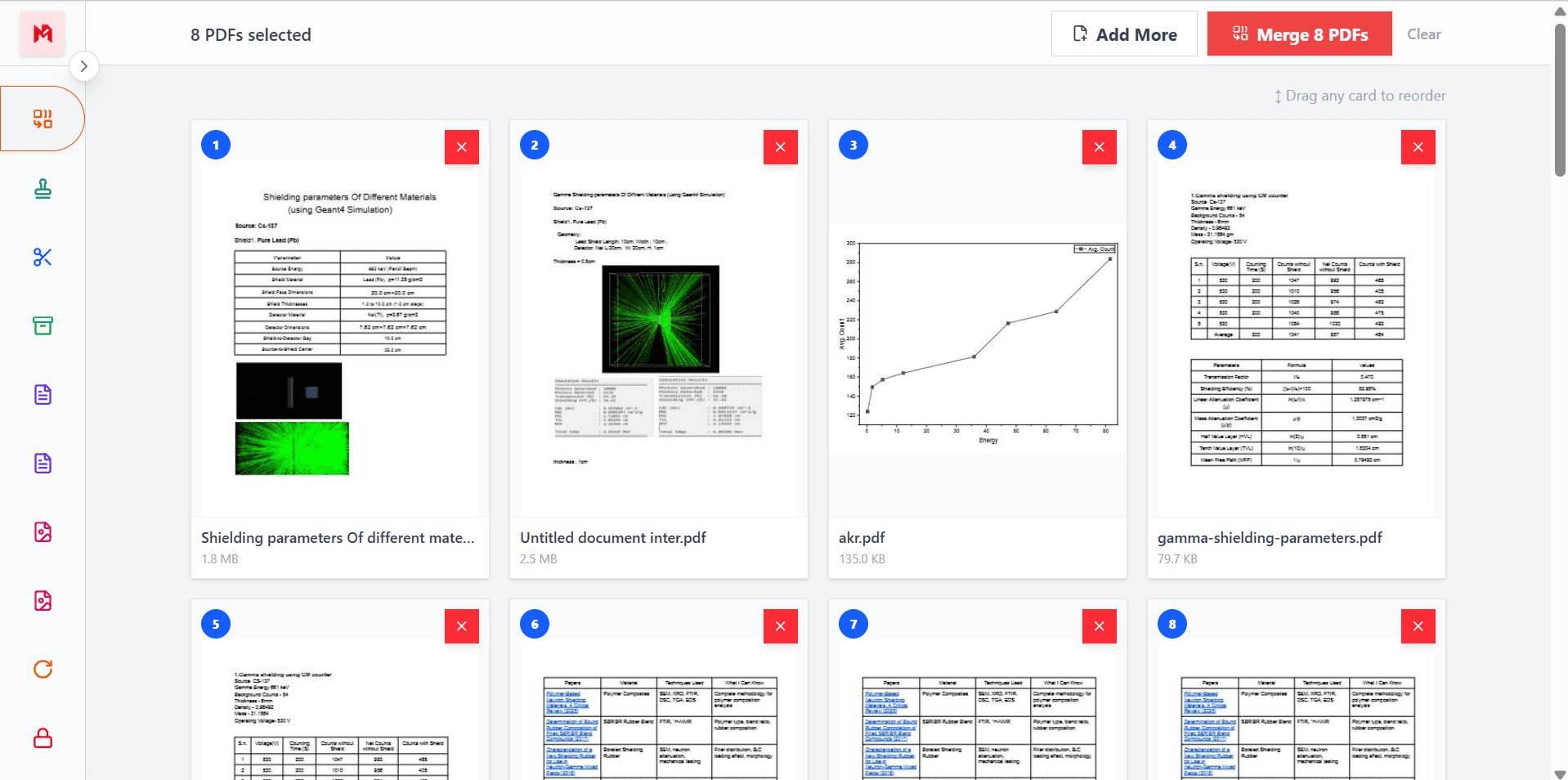
Drag and drop your PDF files into the exact order you want before creating the final document.
Free online PDF merger
ModifyPDF makes it easy to merge PDF files online into a single organized document. Whether you are combining reports, scanned pages, forms, contracts, or study material, the process is quick and straightforward.
You do not need advanced software or technical skills. Just upload your files, arrange them in the correct order, and download one merged PDF that is ready to share, print, or archive.
Arrange files before combining
When merging several PDFs, the final order matters. You may want a cover page first, annexures at the end, or invoices arranged by date. With drag-and-drop sorting, you stay in full control before the merge happens.
This helps you create cleaner and more professional documents without needing to merge first and fix the order later.
Useful for everyday documents
A PDF merger is useful in many situations. Students can join assignment pages, businesses can combine contracts and appendices, and freelancers can send one professional PDF instead of multiple attachments.
Using one merged PDF also makes it easier for clients, teachers, or colleagues to read, review, and store your documents.
Works across devices
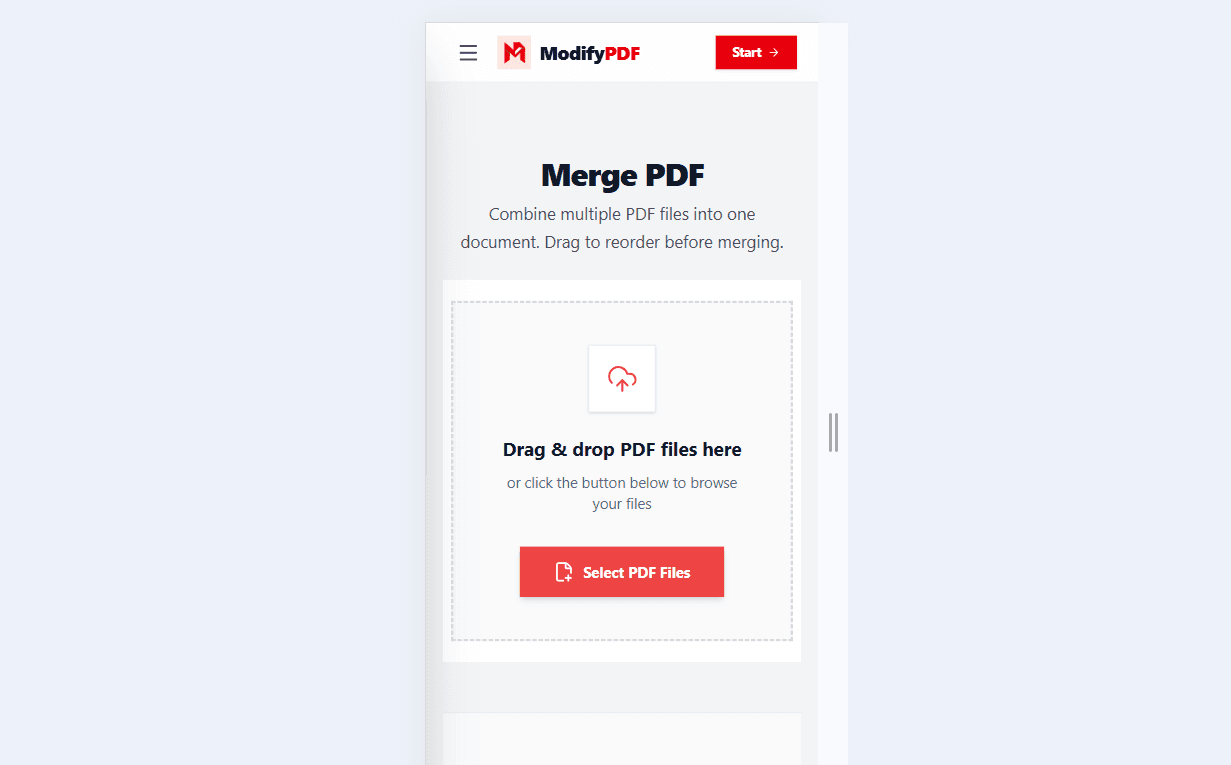
You can merge PDF files from almost any modern device. The tool is designed to work smoothly on laptops, desktops, tablets, and phones, so you can combine documents whenever you need to.
If you are at home, in the office, or working on the go, you can open the tool in your browser and merge PDFs without installing an app.
Popular use cases
Combine chapters, appendices, and summaries into one PDF
Merge agreements, annexures, and signed pages together
Join multiple study or coursework PDFs into one file
Bundle billing documents into one organized PDF
Questions and answers
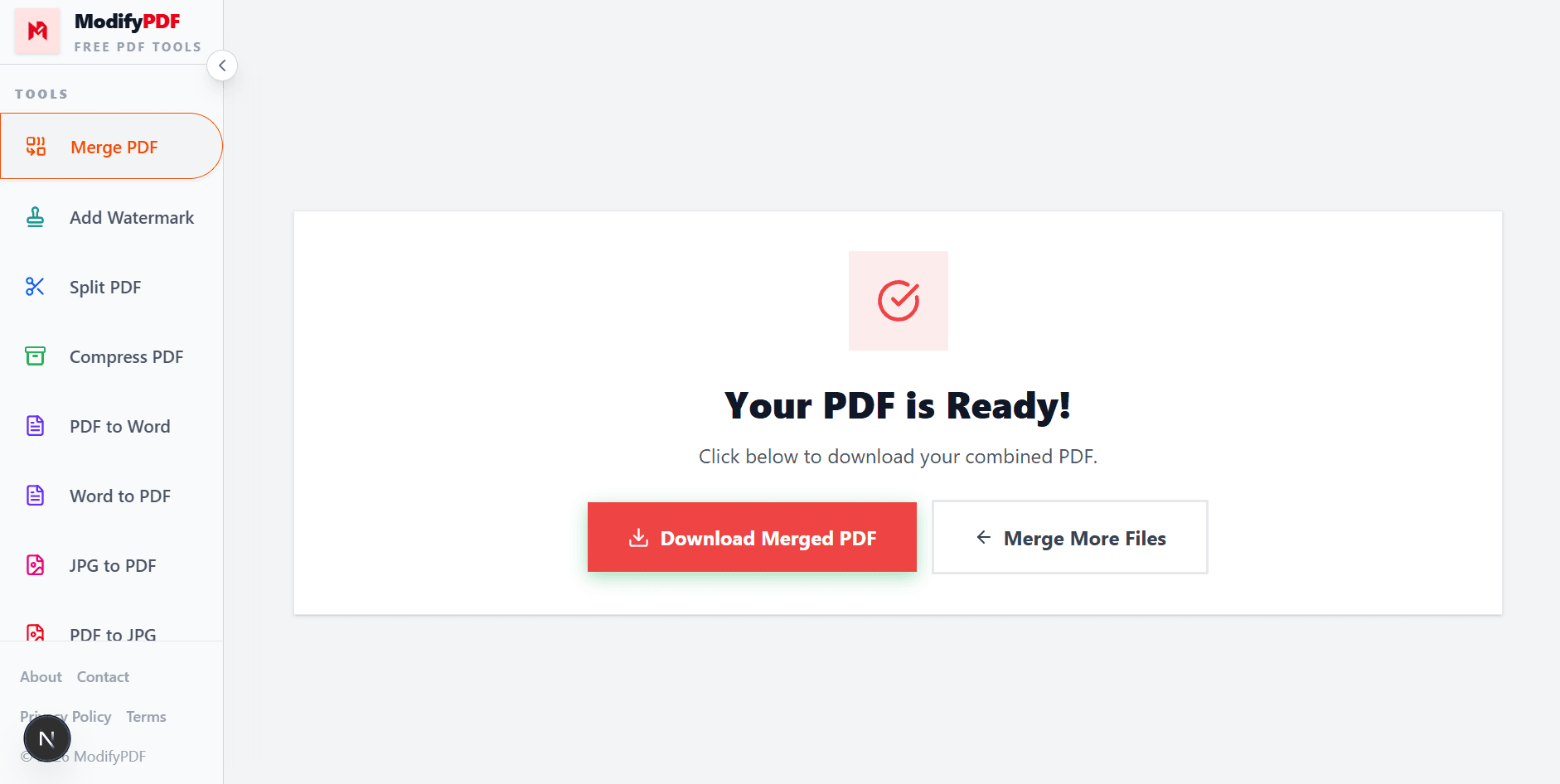
Upload your PDF files, drag them into the order you want, click the merge button, and download the final combined PDF.
Yes. You can drag and drop your files before merging so the final document follows your preferred order.
Yes. A good PDF merger keeps the text, images, and formatting from your original files intact in the merged output.
You can merge multiple PDF files in one session. The exact practical limit depends on your device and file sizes.
Yes. The tool is designed to work on mobile browsers as well as desktop browsers, so you can merge PDFs from your phone or tablet.
Yes. You can use the Merge PDF tool for free without complicated setup.